
AI Talking Avatar Video for Small Business: Make Presenter Videos Without Filming

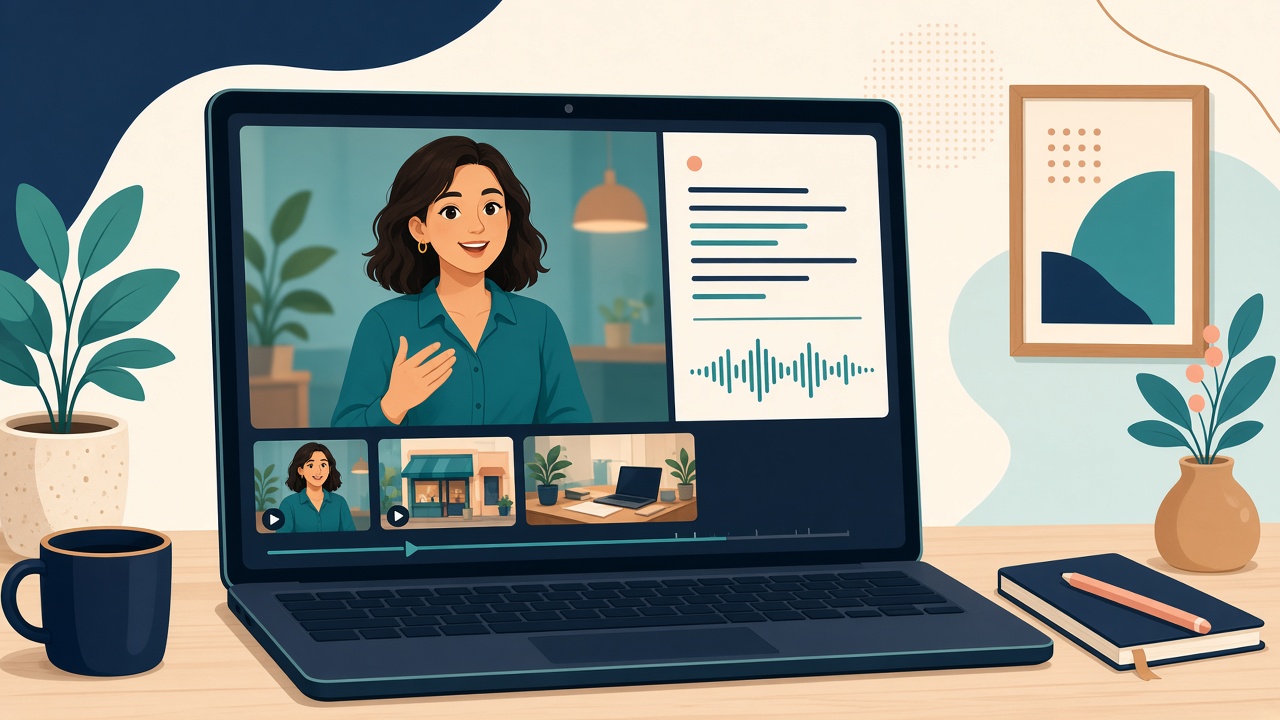
Video gets attention, but plenty of small business owners hate being on camera. Filming yourself means lighting, retakes, a quiet room and the courage to post it. An AI talking avatar video skips all of that. You write a short script, pick a presenter or upload a photo, choose a voice, and get a video of a person speaking your message.
This guide explains what a talking avatar video is, where it works well for a small business, how to write a script that sounds natural, and how to make one step by step in Cyhornet Studio.
What is an AI talking avatar video?
It is a video where an AI-generated presenter, or a photo you have the right to use, speaks a script you wrote. The AI turns your text into a voice and animates the face so the lips and expressions move with the words. The result looks like a short presenter-style clip you would normally have to film.
For a small business, the appeal is speed and consistency. You can make a welcome video, a product explainer or a weekly promo in the time it takes to write a few sentences, and every video has the same clear, friendly presenter.
Where talking avatar videos work well
- Welcome and about-us videos. A 20-second introduction for your homepage or Instagram profile.
- Product and service explainers. Walk a customer through what you offer, what it costs and how to book.
- Promotions and seasonal offers. Black Friday, holiday hours or a weekend sale, announced the same day you decide on it.
- FAQs. Turn your most common customer questions into short answer videos.
- Training and onboarding. Explain a process to new staff once, then reuse the video.
- Social media. Vertical clips for Reels, TikTok and YouTube Shorts.
How to make a talking avatar video in Cyhornet Studio
- Create an account at studio.cyhornet.ai. No card is needed to sign up.
- Open Avatar Studio. Pick a ready-made presenter, or upload a photo you have the right to use.
- Write your script. Keep it short and conversational. A 15 to 30 second script is about 40 to 75 words.
- Choose a voice that fits your brand, then generate. The credit cost is shown before you press Generate, and if a generation fails, your credits are refunded automatically.
- Polish and export. Add captions, then export 9:16, 1:1, 16:9 and 4:5 versions for each platform, from 1 credit per size.
You can also type your idea into the single prompt box. Cyhornet Studio works out whether you want an image, a video, an avatar or anime, and there are avatar starter templates that pre-fill the prompt for you.
How to write a script that sounds natural
The script matters more than anything else. A stiff script makes even a great avatar sound robotic. A few rules help:
- Write the way you talk. Use short sentences and contractions like “we’re” and “you’ll.”
- Lead with the benefit. Open with what the viewer gets, not with your company history.
- One message per video. One offer, one product or one question. Make another video for the next one.
- End with one clear action. “Book online,” “Visit us this Saturday” or “Tap the link in our bio.”
- Read it out loud first. If you trip over a sentence, the voice will sound awkward on it too.
Example script you can adapt
“Hi, and welcome to [your business]. This week only, every new customer gets 20 percent off their first visit. Book online in under a minute, or stop by and say hello. We can’t wait to meet you.”
That is about 40 words, roughly 15 seconds of video. Swap in your own offer and call to action.
Use photos responsibly
Only make an avatar from a photo you have the right to use, such as your own photo or a team member who has agreed. Impersonating a real person without their permission is not allowed under Cyhornet Studio’s AI content policy. If your team is starting to use AI tools for marketing, a short internal policy helps everyone stay on the right side of that line. Our guide to an AI acceptable use policy template for small business covers the basics.
What to check before you pay for any talking avatar tool
- Is the price shown before you generate? You should know the cost of a video before you make it.
- Can you try it before you buy? Test the tool with a sign-up that doesn’t need a card.
- Is there a watermark? Know which plan gives clean, full-resolution downloads.
- Can you resize for each platform? One video should become vertical, square and landscape versions without starting over.
- Does it do more than avatars? If you also need product images and short clips, one tool for everything saves money and logins.
What it costs
Cyhornet Studio’s free plan gives you 150 credits every month to try the studio, with watermarked 480p previews. Avatar Studio is included from the Standard plan at $12 a month for 1,500 credits, with full-resolution downloads and no watermark. Pro is $29 a month for 4,500 credits, and Unlimited is $79 a month with a fair-use cap. If you’d rather not subscribe, one-time credit packs start at $3 and never expire, which our guide to a pay-as-you-go AI video generator explains. Check the current pricing before you start.
Mix avatars with other video
A talking avatar works best as part of a mix. Pair a presenter clip with short product shots made from photos you already have. Our guide to an AI photo to video generator for small business shows how to turn product photos into clips in the same studio, so your whole week of content comes from one place.
A simple weekly routine
Each Monday, write two short scripts: one offer and one customer question. Turn each into a 15 to 30 second avatar video, add captions, and export a vertical version for Reels and Shorts plus a square one for your feed. That is two fresh videos a week without ever setting up a camera.
Make your first avatar video today
Write one 40-word script about your best offer and turn it into a video. Start with Cyhornet Studio, try everything with 150 free credits a month and no card required, then upgrade to Standard for Avatar Studio and clean, full-resolution downloads.
Frequently asked questions
What is an AI talking avatar video?
It is a video where an AI presenter, or a photo you have the right to use, speaks a script you write. The AI creates the voice and animates the face to match the words.
Do I need to be on camera to make one?
No. You can pick a ready-made presenter in Cyhornet Studio’s Avatar Studio, write a script and choose a voice, with no filming.
Can I make an avatar from any photo?
Only from photos you have the right to use. Impersonating a real person without their permission is not allowed under Cyhornet Studio’s AI content policy.
How much does Cyhornet Studio cost for avatar videos?
Avatar Studio is included from the Standard plan at $12 a month for 1,500 credits, with full-resolution downloads and no watermark. The free plan gives 150 credits a month to try the studio with watermarked previews.
Can I resize avatar videos for TikTok, Instagram and YouTube?
Yes. Cyhornet Studio exports 9:16, 1:1, 16:9 and 4:5 versions of any video, from 1 credit per size.