
Pay-As-You-Go AI Video Generator: Make Videos Without a Subscription

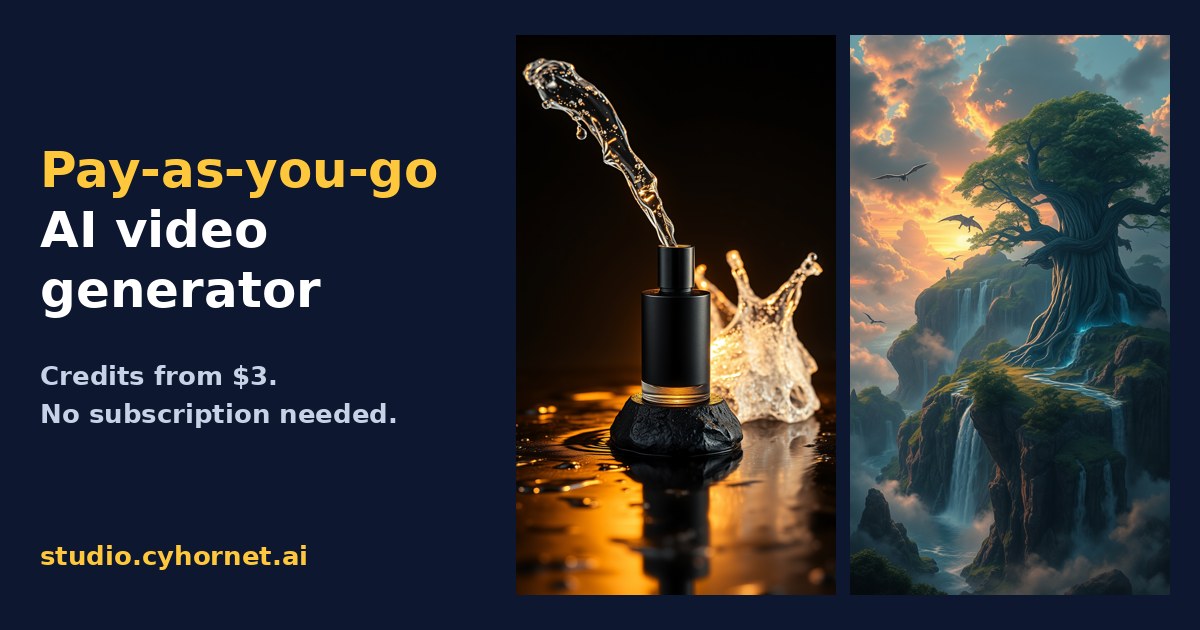
Most AI video generators push you into a monthly subscription before you have made a single clip you like. That is fine if you post video every day. It is a bad deal if you need a product teaser this week, a few social clips next month and nothing in between. A pay-as-you-go AI video generator fixes that: you buy credits once, spend them when you need them, and stop paying when you stop creating.
This guide explains how pay-as-you-go pricing works, what to check before you buy credits anywhere, and how to make short videos from text or a photo without a subscription in Cyhornet Studio.
What is a pay-as-you-go AI video generator?
It is an AI tool that turns a text prompt or a still image into a video clip and charges you per use instead of per month. You buy a pack of credits, each generation costs a set number of credits, and the balance goes down as you create. There is no renewal date and nothing to cancel.
Subscriptions still make sense for heavy users, because monthly plans usually give more credits per dollar. Pay as you go is the better fit when your video needs come in bursts.
Who pay-as-you-go video makes sense for
- Small businesses that need a product clip for a launch, an ad test or a holiday promotion, then nothing for weeks.
- Freelancers and agencies who bill video work per client project and want costs tied to each job.
- Creators testing AI video who want to try several models before committing to a plan.
- Anyone tired of unused subscriptions who would rather pay for what they actually make.
What to check before you buy credits
Credit pricing can hide a lot. Before you pay any AI video tool, look for clear answers to these questions:
- Do credits expire? Some tools wipe purchased credits after 30 days, which turns pay as you go into a subscription in disguise.
- Is the cost shown before you generate? You should see the exact credit price for each clip before you press the button, not after.
- What happens when a generation fails? Look for automatic refunds of credits on failed jobs.
- Which models can you use? Different video models are better at different things. Cheap models are great for drafts; premium models are worth it for the final cut.
- Are there watermarks? Check whether paid downloads are full resolution with no watermark.
- Can you resize for social? A clip that only exports in one shape means extra editing work for TikTok, Reels and YouTube.
How Cyhornet Studio’s pay-as-you-go credits work
Cyhornet Studio is an all-in-one AI studio for images, video, talking avatars and anime. You can use it on a monthly plan or buy one-time credit packs. Here is how the pay-as-you-go side works, based on the current pricing page:
- Credit packs start at $3 for 250 credits, with larger packs at $5, $10 and $25.
- Pack credits never expire. If you also have a monthly plan, monthly credits are used first and pack credits after them.
- Prices are shown up front. An image costs 2 credits, and a 5-second video starts at 20 credits depending on the model. The studio shows the credit cost before you generate.
- Failed generations are refunded to your balance automatically.
- Free to try. A free account includes 150 credits every month with watermarked, lower-resolution previews, and no card is required to sign up.
For a rough sense of scale, the $3 pack covers about 1 minute of video on the fast, low-cost model. See the full Cyhornet Studio pricing for every pack and plan.
Choose the right model for each clip
Paying per clip means model choice matters, because it decides how far your credits go. Cyhornet Studio lets you pick the model for each generation:
- Wan for fast, low-cost drafts and idea testing.
- Seedance for sharp results and good value.
- Hailuo when the clip features people.
- Kling for a cinematic look.
- Google Veo when you want the highest quality.
A simple habit saves money: draft your idea on a cheaper model, adjust the prompt until the motion and framing look right, then run the final version on a premium model.
How to make your first video without a subscription
- Create a free account at studio.cyhornet.ai. No card is needed.
- Describe your clip or upload a photo. Type something like “slow push-in on a black perfume bottle with water splashing, warm studio light,” or drop in a product photo to animate it. You can also start from one of 21 starter templates for ads, social, product and cinematic shots.
- Pick a model and length. Clips run 5 or 10 seconds, and longer videos up to 60 seconds are made by joining clips. Check the credit cost shown before you generate.
- Polish and export. Export 9:16, 1:1, 16:9 and 4:5 versions for TikTok, Reels, Shorts, YouTube, Instagram and Facebook, upscale, or add captions.
- Top up only when you need to. Buy a credit pack when you are ready for full-resolution, watermark-free downloads.
Pay as you go or monthly: a quick rule
If you make video a few times a month or less, pay as you go keeps your costs low and predictable. If you post several videos a week, a monthly plan usually gives you more credits for the money. In Cyhornet Studio the Standard plan is $12 a month for 1,500 credits, and you can still add never-expiring packs on top when a big project comes up.
Looking for more tools for your business? Browse our free 600+ AI tools master list, or see ready-to-use business templates in the cyhornet.ai marketplace. If your team is adopting AI tools at work, our guide to an AI acceptable use policy for small business is a good next read.
Frequently asked questions
Can I make AI videos without a subscription?
Yes. In Cyhornet Studio you can buy one-time credit packs starting at $3 and spend them on video, images and edits with no monthly plan.
Do pay-as-you-go credits expire?
Cyhornet Studio credit packs never expire. Monthly plan credits are used first, and pack credits are used after them.
How much does a short AI video cost?
A 5-second video starts at 20 credits, depending on the model you choose. The exact cost is shown before you generate.
Is there a free option?
Yes. A free account includes 150 credits every month with watermarked, lower-resolution previews. No card is required to sign up.
What if a video generation fails?
If a generation fails, the credits are refunded to your balance automatically.