Done-for-you SOC 2 automation setup
We set up your SOC 2 control register and n8n automations in your own Google Workspace or Microsoft 365, Slack and Jira. Fixed price, clear scope, no platform lock-in. This listing is priced at the Starter Setup ($950) tier. Full Setup and Managed Compliance Ops are available on request.
Tiers
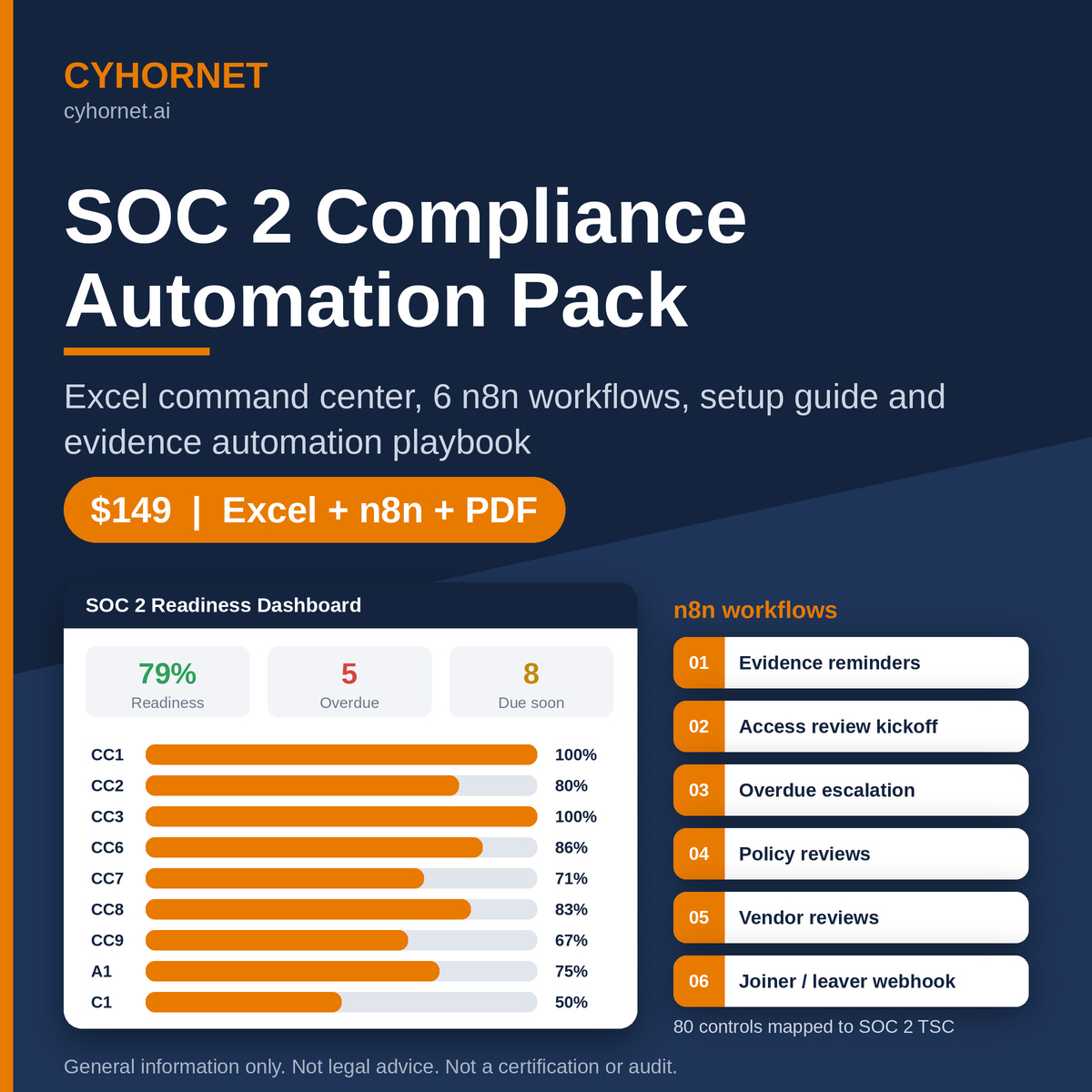
- Starter Setup: $950 one-time (includes the $149 Automation Pack). Delivered in 5 business days from receiving access. Best for teams that have n8n or can create an n8n Cloud account and want the core reminders running fast.
- Full Setup: $2,950 one-time (includes the pack). 2-3 weeks. Best for teams starting a SOC 2 Type I/II in the next 3-6 months. Contact us to order.
- Managed Compliance Ops: $750 / month, 3-month minimum (up to 6 hours/month; extra at $150/hour). Ongoing, monthly. Best for teams in their audit observation period. Contact us to order.
Starter Setup: scope and deliverables
- 60-minute kickoff to confirm scope (TSC categories), roles and owners
- Command Center configured: Settings, Owners, scope, frequencies, N/A controls marked, moved to the client’s Google Sheets
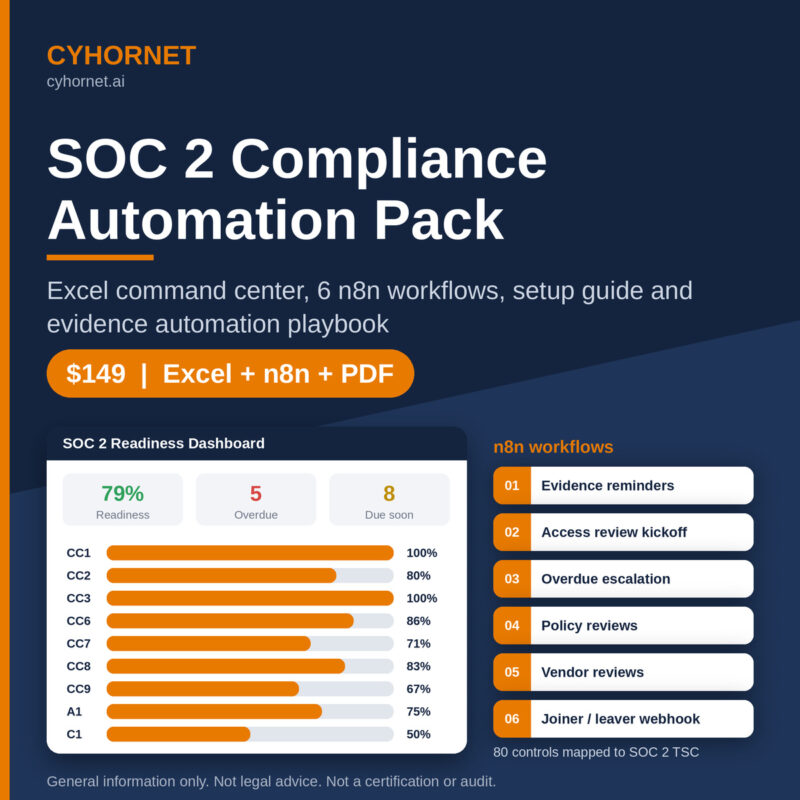
- Workflows 01-05 imported, connected to the client’s Google Sheets, email and Slack, configured and activated
- One test run per workflow, with results recorded
- 60-minute handover session (recorded) and a one-page runbook
- 14 days of email support after go-live
Full Setup: everything in Starter, plus
- Two working sessions to tailor the control library to your stack (add, remove or reword controls; set owners and evidence locations)
- Workflow 06 (joiner/mover/leaver) connected to your HR system webhook or an intake form, plus Jira
- Workflow 02 connected to Jira, with the Access Review schedule built for your real systems
- Workflow 07, plus up to 3 additional automated evidence checks by read-only API (for example MFA status in Google Workspace or Microsoft Entra ID, device encryption from MDM, GitHub branch protection)
- Policy Tracker and Vendor Review populated from your existing policy and vendor lists
- A readiness snapshot: dashboard export plus a short gap list by TSC series
- 30 days of post-launch support with two 30-minute check-ins
Managed Compliance Ops: monthly
- Monthly workflow health check: failed runs, credential expiry, sheet changes; fixes included
- Monthly readiness report and a 30-minute review call
- Quarterly access review coordination: kickoff, follow-up with reviewers, evidence check
- Evidence chasing: follow-up with owners on overdue items, by agreed channels
- Up to 2 small workflow changes or new automated checks per quarter
- Runs on your own n8n (Cloud or self-hosted). Cyhornet does not host n8n for clients.
Client responsibilities
- Name a point of contact and give timely access. Admins create credentials or grant read-only API access.
- Provide or pay for an n8n instance (n8n Cloud subscription or self-hosted), and any Slack, Jira or email services
- Make decisions on scope, risk, policy content and control design. Cyhornet advises and you decide.
Exclusions (all tiers)
- Not a SOC 2 audit, attestation or certification. No guarantee of a clean report or of passing. Only an independent CPA firm can issue a SOC 2 report.
- Not legal advice. Contract, privacy and regulatory questions go to your counsel.
- No remediation of technical controls in client systems unless quoted separately
- Writing or rewriting the full policy set is not included; available as a separately quoted add-on
- No write or admin access to production systems. Automations use read-only scopes wherever possible.
- No hosting of n8n, no 24/7 monitoring, no incident response, no penetration testing
- Third-party licence and subscription costs are not included
- Work outside the listed scope is quoted separately
Process
1) Buy or book a 20-minute fit call, 2) scoping questionnaire and access checklist, 3) kickoff, 4) build and test, 5) handover, 6) support window.
Starter is paid 100% upfront.
Readiness support only. Not an audit, attestation or legal advice.